Documentation IndexFetch the complete documentation index at: /llms.txtUse this file to discover all available pages before exploring further.
Fetch the complete documentation index at: /llms.txt
Use this file to discover all available pages before exploring further.
Welcome
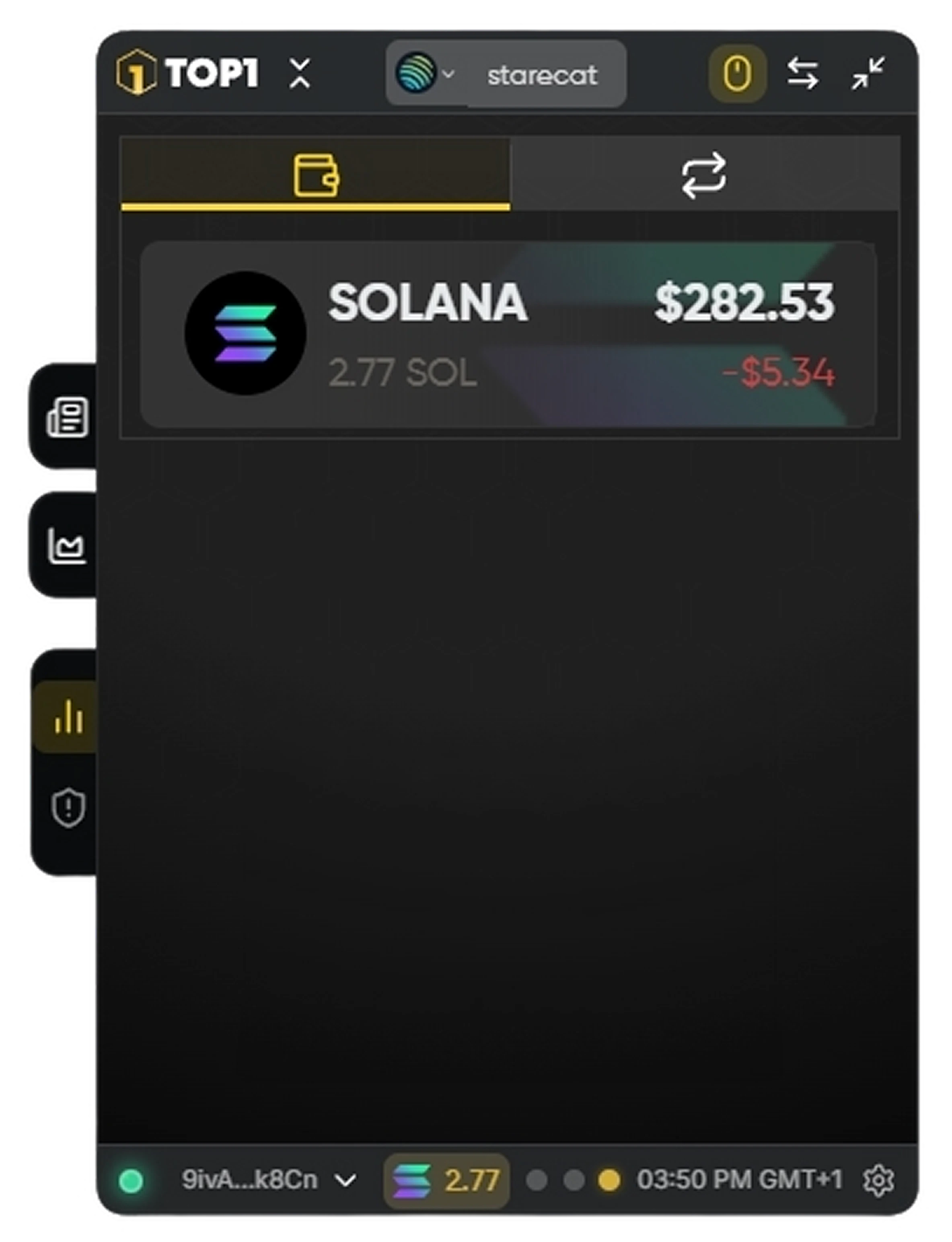
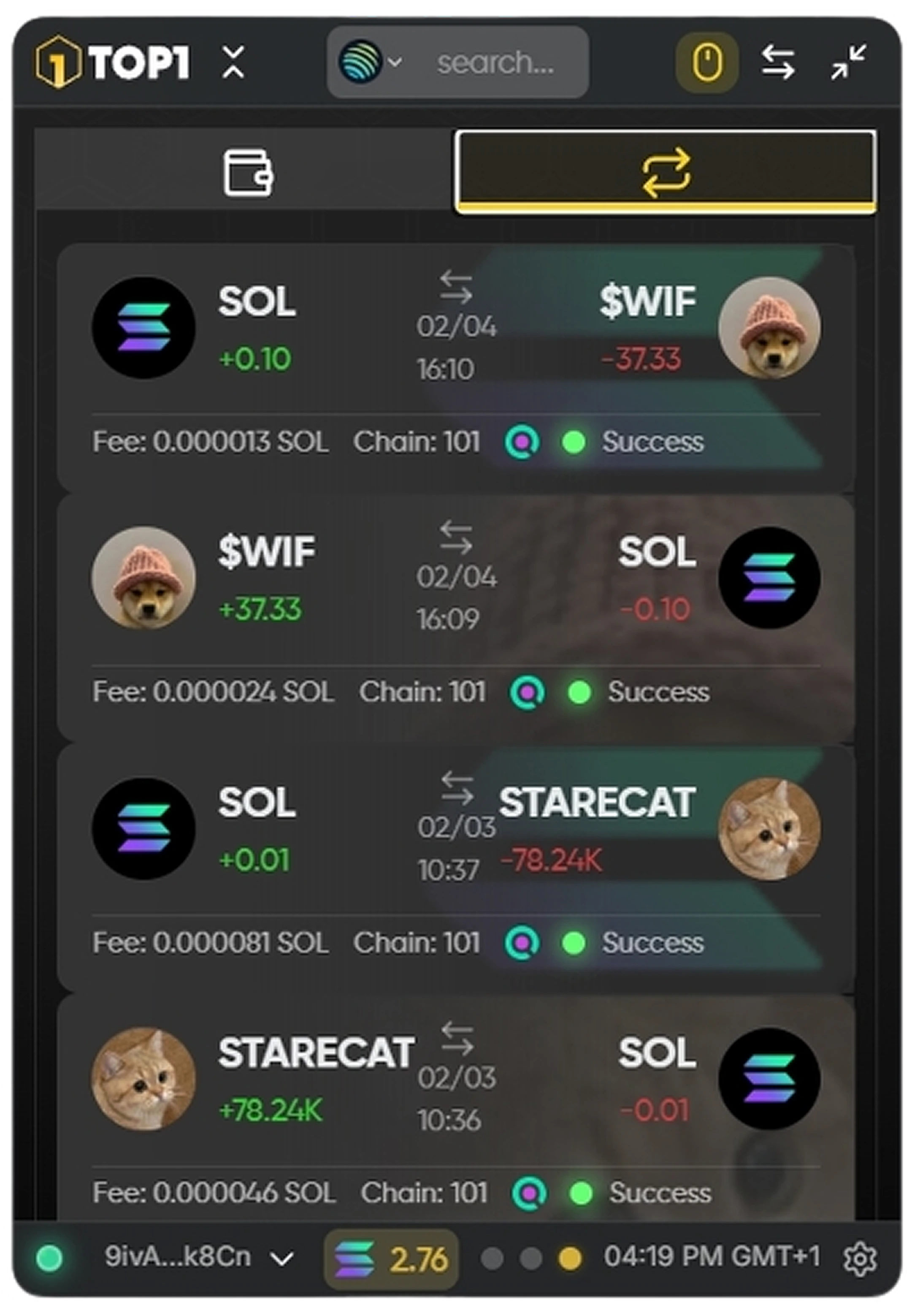
The third view is focused on tracking your active positions and reviewing past executions. It provides a simple portfolio-level overview directly inside the terminal, without leaving your trading workflow.