
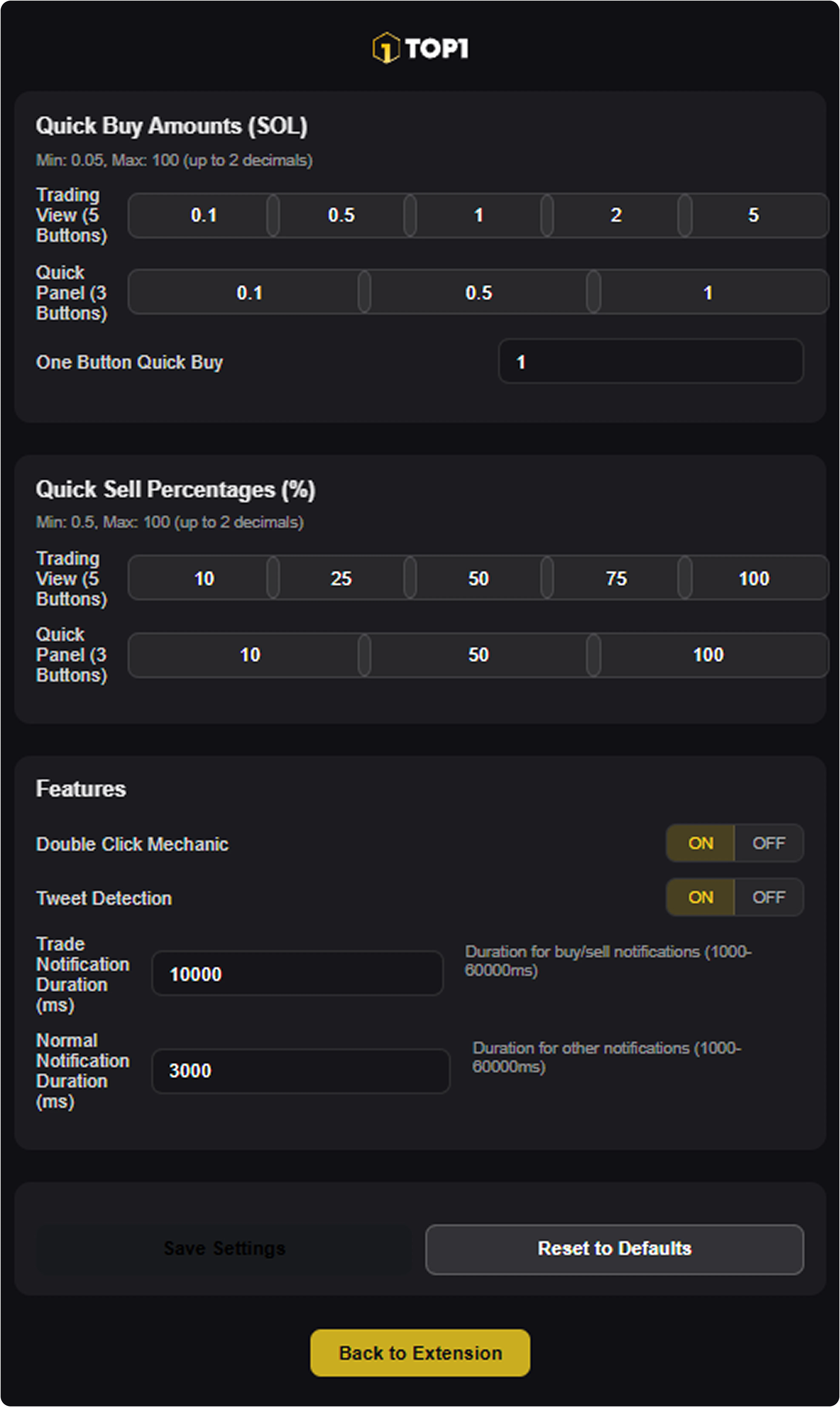
You can access Trade Settings either through the wallet settings menu or directly from the trading terminal using the gear icon in the bottom-right corner.
Quick Buy Amount Presets
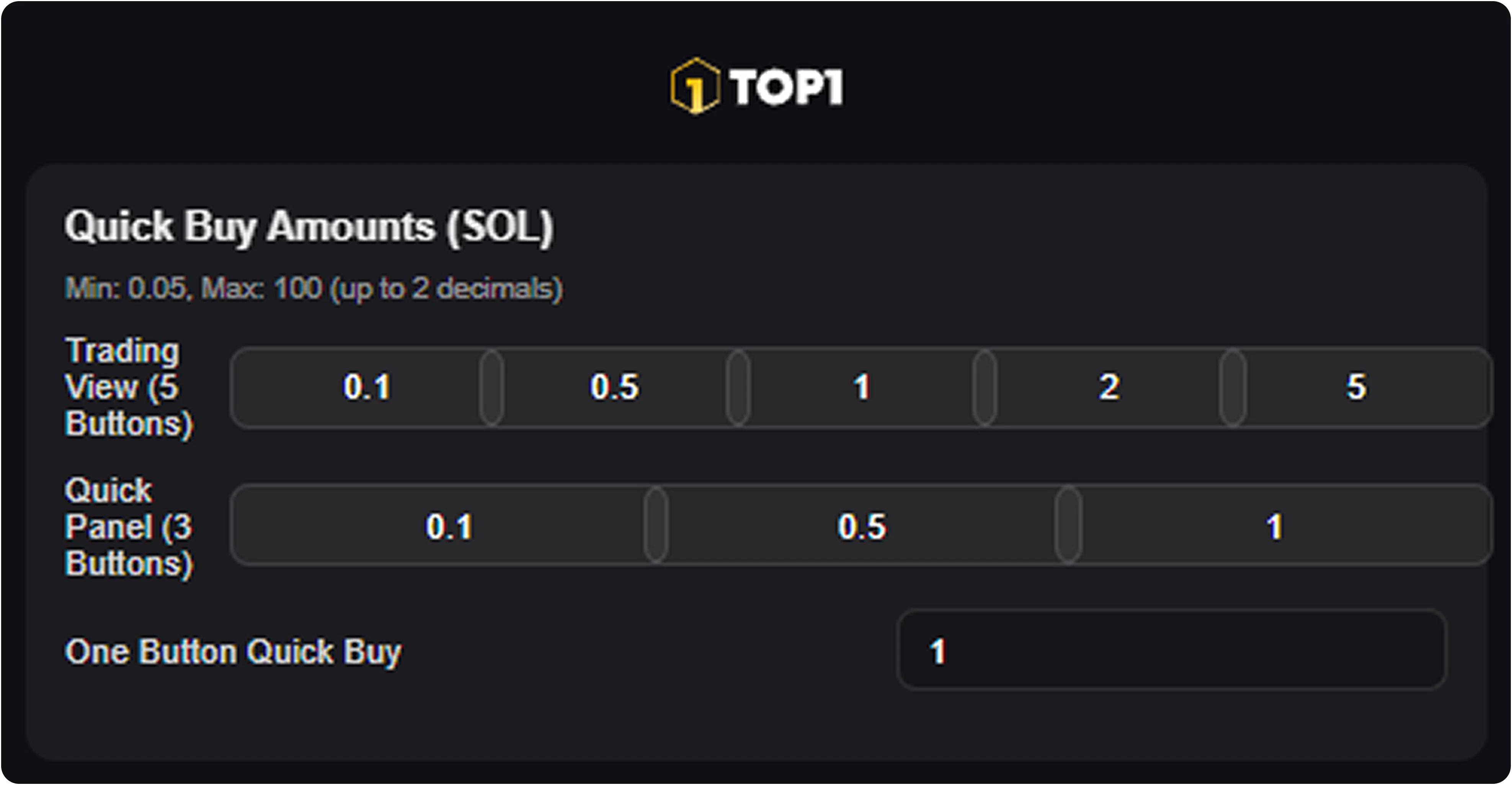
Trade Settings let you define fixed SOL amounts for instant entries. You can configure separate preset buttons for:- the main Trading View (up to 5 quick buy buttons)
- the compact Quick Panel (up to 3 buttons)
- an optional one-button quick buy value for fastest execution
Quick Sell Percentage Presets
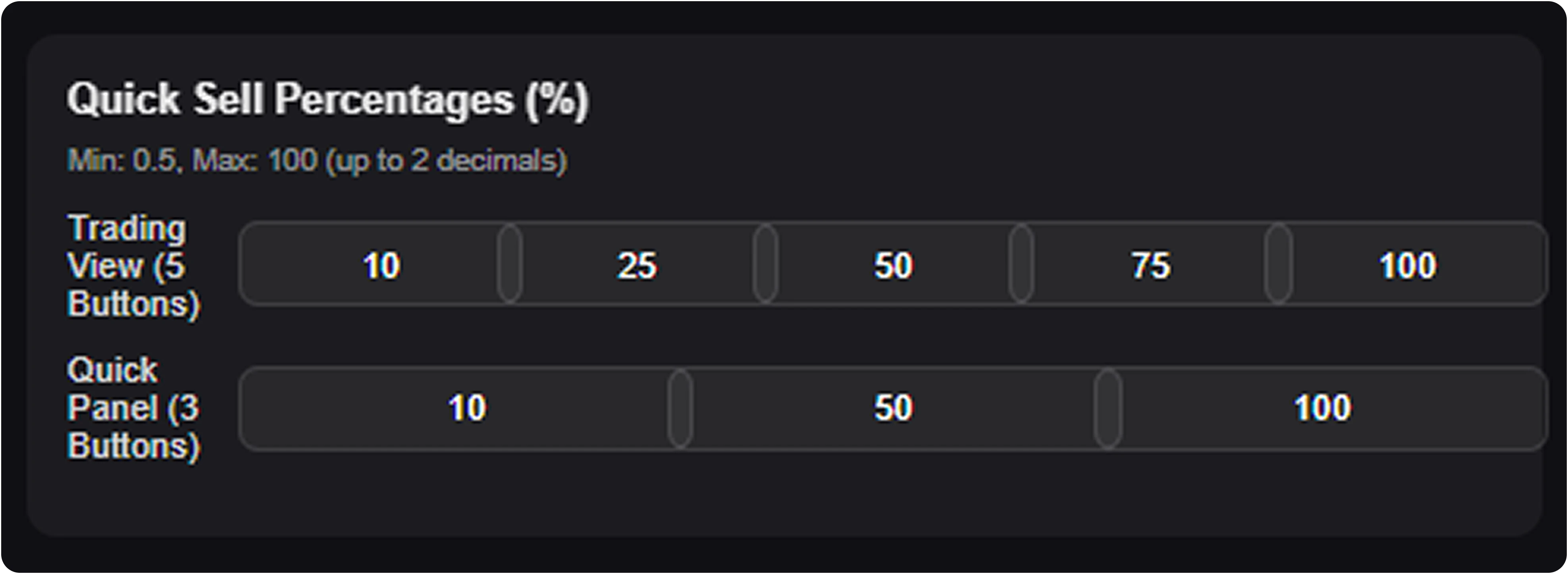
For position exits, you can set percentage-based sell buttons. This allows you to:- take partial profits quickly
- scale out of positions in predefined steps
- fully close a trade using a 100% sell preset
Execution Features & Notifications
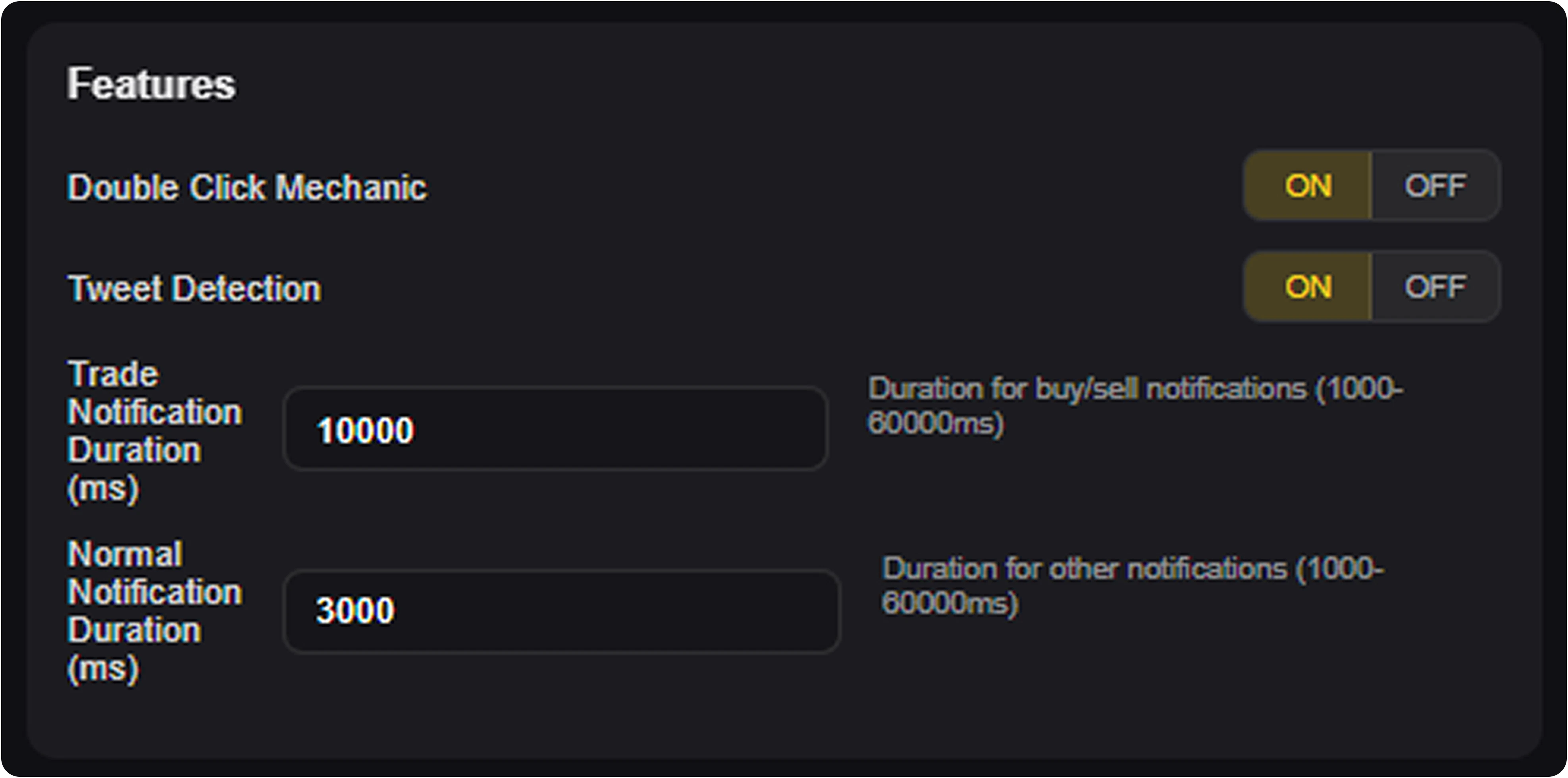
TOP1 includes additional safety and convenience options that affect how trades are confirmed and how feedback is displayed. These settings allow you to:- enable the Double Click Mechanic to prevent accidental buys or sells
- toggle Tweet Detection for supported social trading flows
- adjust how long trade confirmation messages remain visible after execution
- configure separate durations for trade-related and general system notifications
Save and Reset
Once configured, you can:- save your settings permanently
- reset all presets back to default values at any time