> ## Documentation Index
> Fetch the complete documentation index at: https://docs.top1.trade/llms.txt
> Use this file to discover all available pages before exploring further.
# Wallet & Account Management
> TOP1 includes a built-in wallet and settings area where you can manage accounts, preferences, and security options.
## 1. Wallet Overview
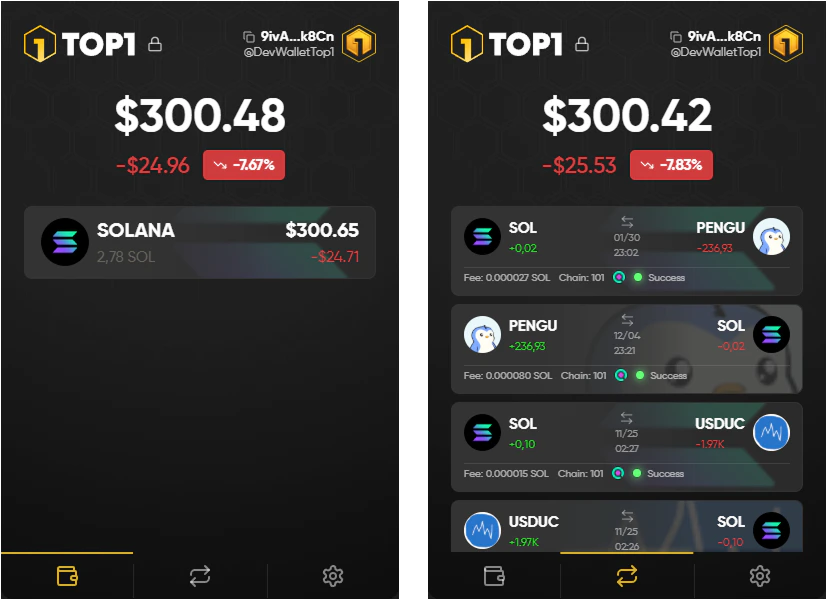
When opening the wallet, you will always land on the home screen:
 **Key actions:**
* Copy your wallet address directly from the top right when you want to deposit funds
* Lock your wallet instantly using the lock icon if you step away from your device
* Track your total balance and portfolio value at a glance
* Navigate between tokens without switching to an external trading page
## 2. Settings Menu
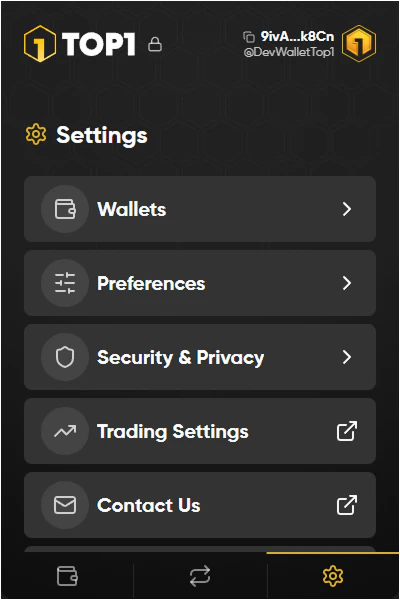
The settings area is where you manage your wallet setup, app behavior, and security options.
From here you can access:
* Wallet management and imports
* Trading-specific configuration
* Privacy and lock settings
* Support if you run into issues
**Key actions:**
* Copy your wallet address directly from the top right when you want to deposit funds
* Lock your wallet instantly using the lock icon if you step away from your device
* Track your total balance and portfolio value at a glance
* Navigate between tokens without switching to an external trading page
## 2. Settings Menu
The settings area is where you manage your wallet setup, app behavior, and security options.
From here you can access:
* Wallet management and imports
* Trading-specific configuration
* Privacy and lock settings
* Support if you run into issues
 For trade settings please click this link.
## 3. Wallet Management
### 3.1Managing Wallets
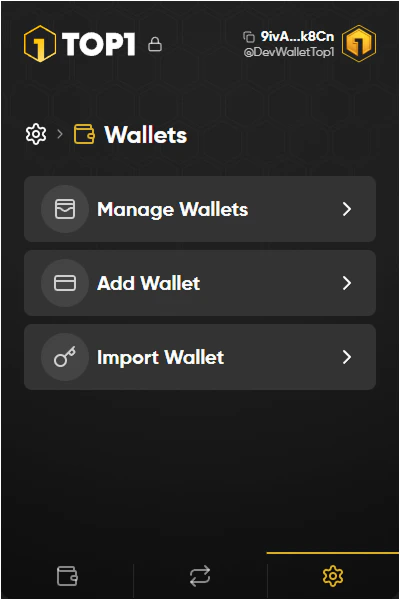
TOP1 allows you to control multiple wallets inside the extension.
You can:
* Add a new wallet for separate trading accounts
* Import an existing wallet using your recovery method
* Switch between wallets depending on your trading setup
For trade settings please click this link.
## 3. Wallet Management
### 3.1Managing Wallets
TOP1 allows you to control multiple wallets inside the extension.
You can:
* Add a new wallet for separate trading accounts
* Import an existing wallet using your recovery method
* Switch between wallets depending on your trading setup
 ### 3.2 Security & Privacy Controls
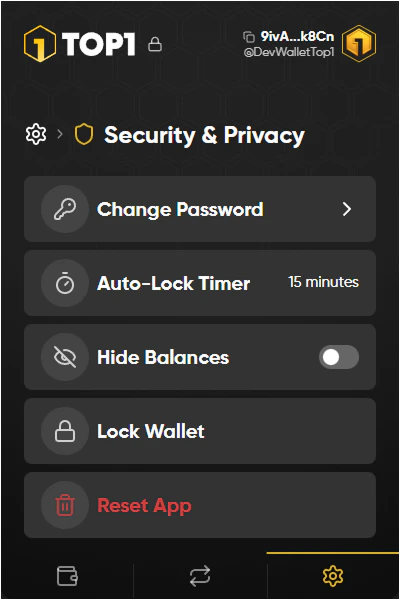
TOP1 includes built-in protection features to secure your account.
Important options include:
* Auto-lock timer to prevent unauthorized access
* Hide balances when trading in public
* Manual wallet lock for instant protection
* Reset app only if you need a full clean restart
### 3.2 Security & Privacy Controls
TOP1 includes built-in protection features to secure your account.
Important options include:
* Auto-lock timer to prevent unauthorized access
* Hide balances when trading in public
* Manual wallet lock for instant protection
* Reset app only if you need a full clean restart
 ## 4. Preferences
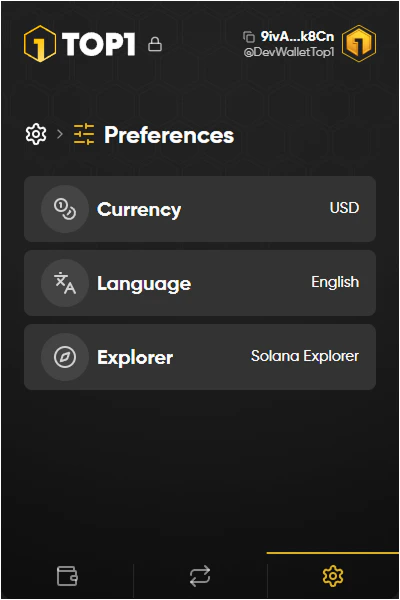
Preferences allow you to customize how TOP1 behaves in day-to-day usage.
Examples:
* Select your display currency
* Change language settings
* Choose the default explorer used for token links
## 4. Preferences
Preferences allow you to customize how TOP1 behaves in day-to-day usage.
Examples:
* Select your display currency
* Change language settings
* Choose the default explorer used for token links